When the spreadsheet stops working
Most small businesses start tracking work in a spreadsheet, and for a while that's the right call. It's free, everyone can open it, and you can add a column in a minute. Trouble shows up as the business grows. Two people edit the same row and one change disappears. A crew lead can't read it on a phone. Somebody sorts one column and scrambles the rest. The owner spends Sunday night copying numbers into a summary tab to find out how the week went.
That's the point where a small custom app pays for itself. It holds the same information you track now, with a screen for each job, order or item, a board that shows where everything stands, and logins so each person sees and changes only what they should.
What we usually find
- One workbook with a dozen tabs and a few formulas nobody wants to touch
- A whiteboard in the shop that's right until somebody forgets to wipe it
- Job updates scattered across texts and a group chat
- Stock counted by walking the shelves
What we build instead
- A job or order board everyone sees, updated from a phone
- Forms that check the data as it goes in
- A history of who changed what and when
- A dashboard that totals itself, with nothing to copy and paste
What we build
Job tracking apps
Every job on one board, from quote to invoice, with crews and dates attached.
Dashboards and reports
The numbers you check every Monday, on one screen, pulled from the data you already keep.
Inventory and order tracking
Stock levels, reorder points and orders moving through your shop.
Spreadsheet to app
Turn the workbook that runs the business into a proper tool with logins and history.
Built for the people using it
Off-the-shelf field service and inventory software is the right choice for many businesses, and when one fits we'll say so. Custom work makes sense when your process has steps those products don't handle, or when you pay for a large system and use a small corner of it. A custom tool has only the screens your staff need, uses your words for things, and fits the order your work actually happens in.
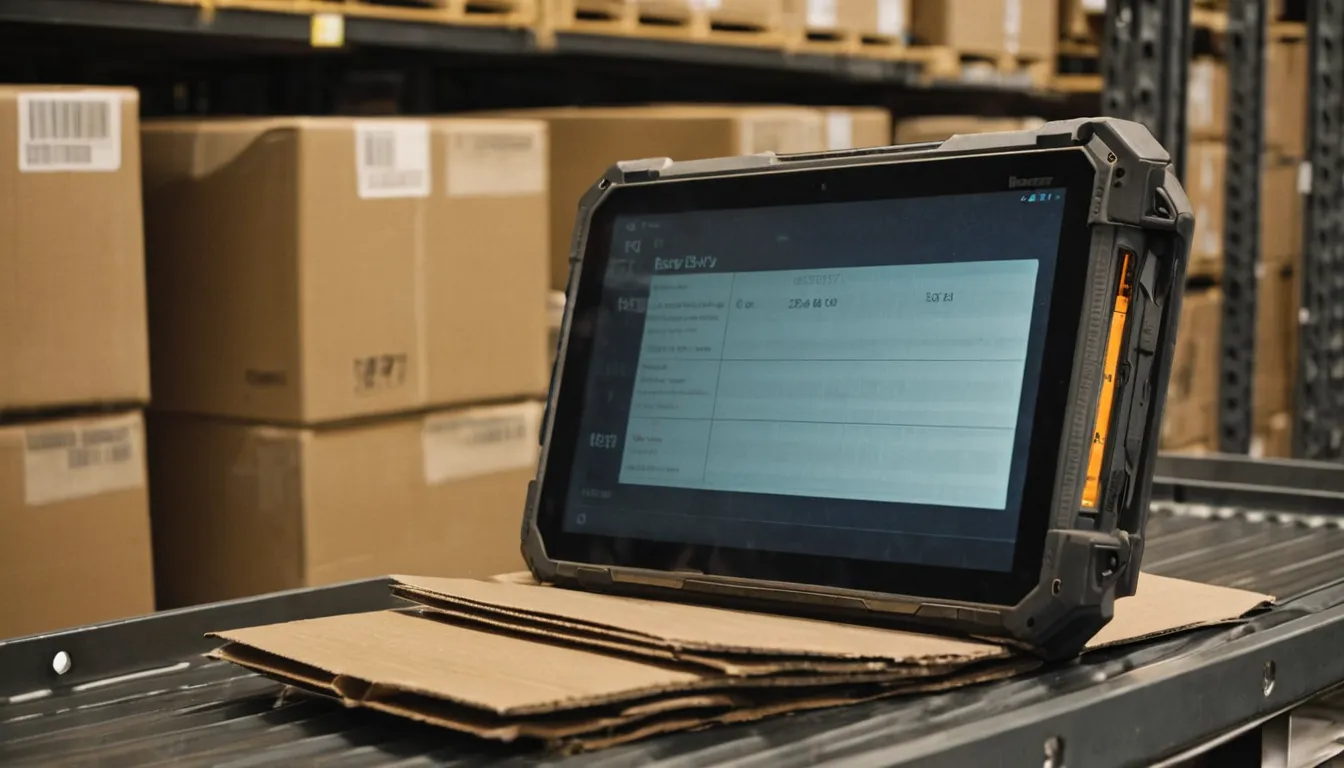
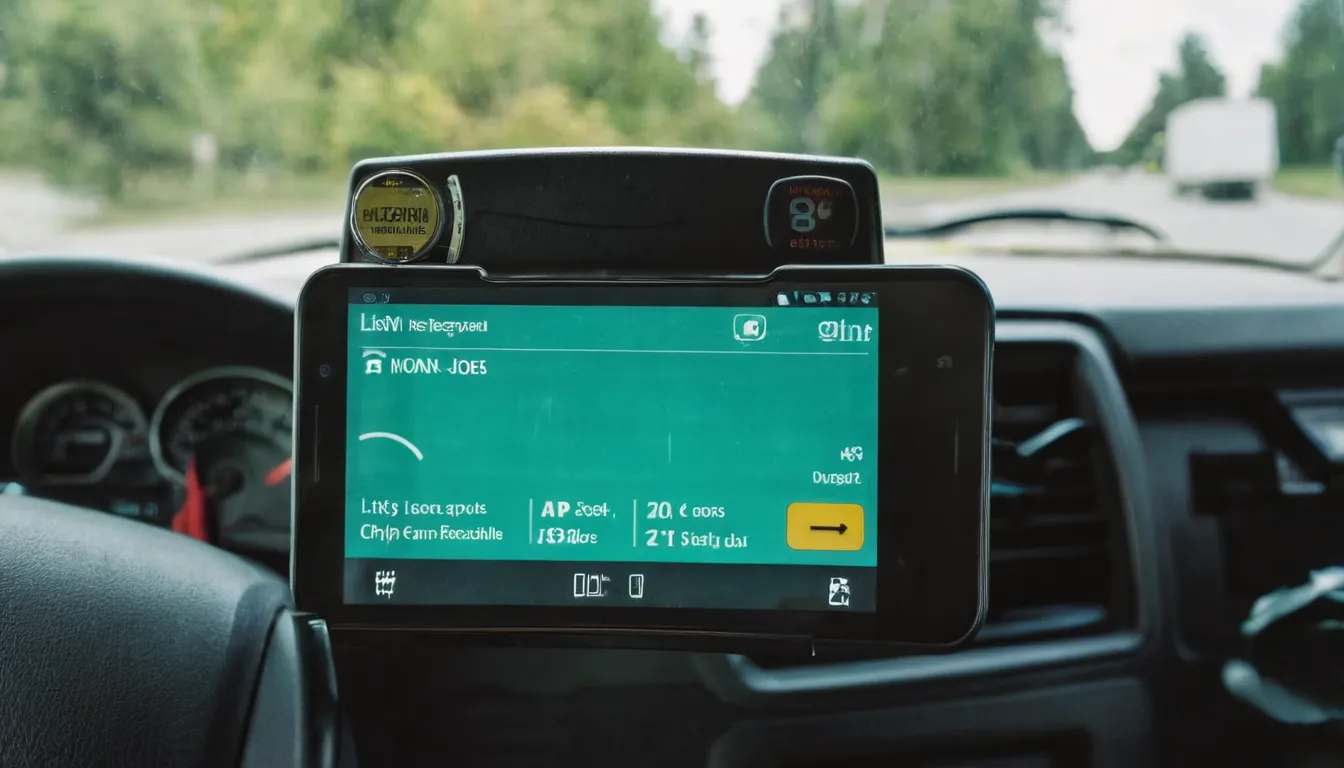
We keep these tools plain on purpose. They run in a browser, so there's nothing to install, and they work on the cheap tablet at the counter and the phone in the truck. You own the data and can export all of it whenever you like.
Where we work
All projects run remotely. We focus on small businesses in Chicago, Nashville and Minneapolis and schedule calls in Central time, which all three share.
Chicago, IL
Trackers, dashboards and stock tools for Chicago businesses.
Nashville, TN
Trackers, dashboards and stock tools for Nashville businesses.
Minneapolis, MN
Trackers, dashboards and stock tools for Minneapolis businesses.
What finished tools look like
Common questions
How much does a custom tracker cost?
It depends on the number of screens and record types, how many people log in, and what the tool must connect to. We send a written quote after reading your brief, and nothing starts until you accept it.
Can we keep using our spreadsheet while you build?
Yes. The sheet stays in use until the switch-over day. We import its rows into the new tool at the end so nothing gets entered twice.
What happens to our data if we stop working with you?
It stays yours. Every tool has an export, and the hosting and database accounts can sit in your name from day one.
Are the boards and images on this site from real projects?
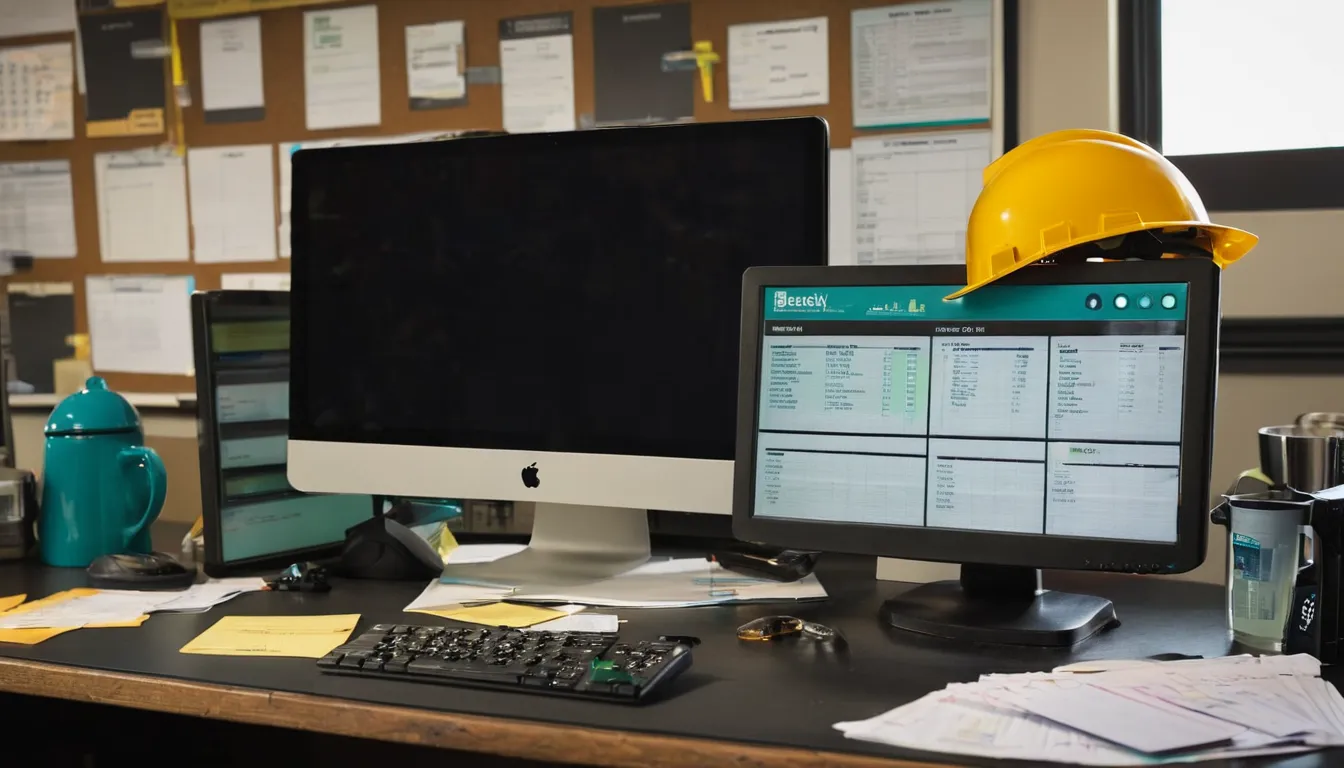
No. The status boards and data models are concepts filled with placeholder records, and the photos are labeled AI-generated samples. We don't show client work without permission.
Tracking work in a spreadsheet that keeps breaking? Send us a copy with the customer details removed, or just describe it, and say who uses it and what goes wrong.
Request a quote